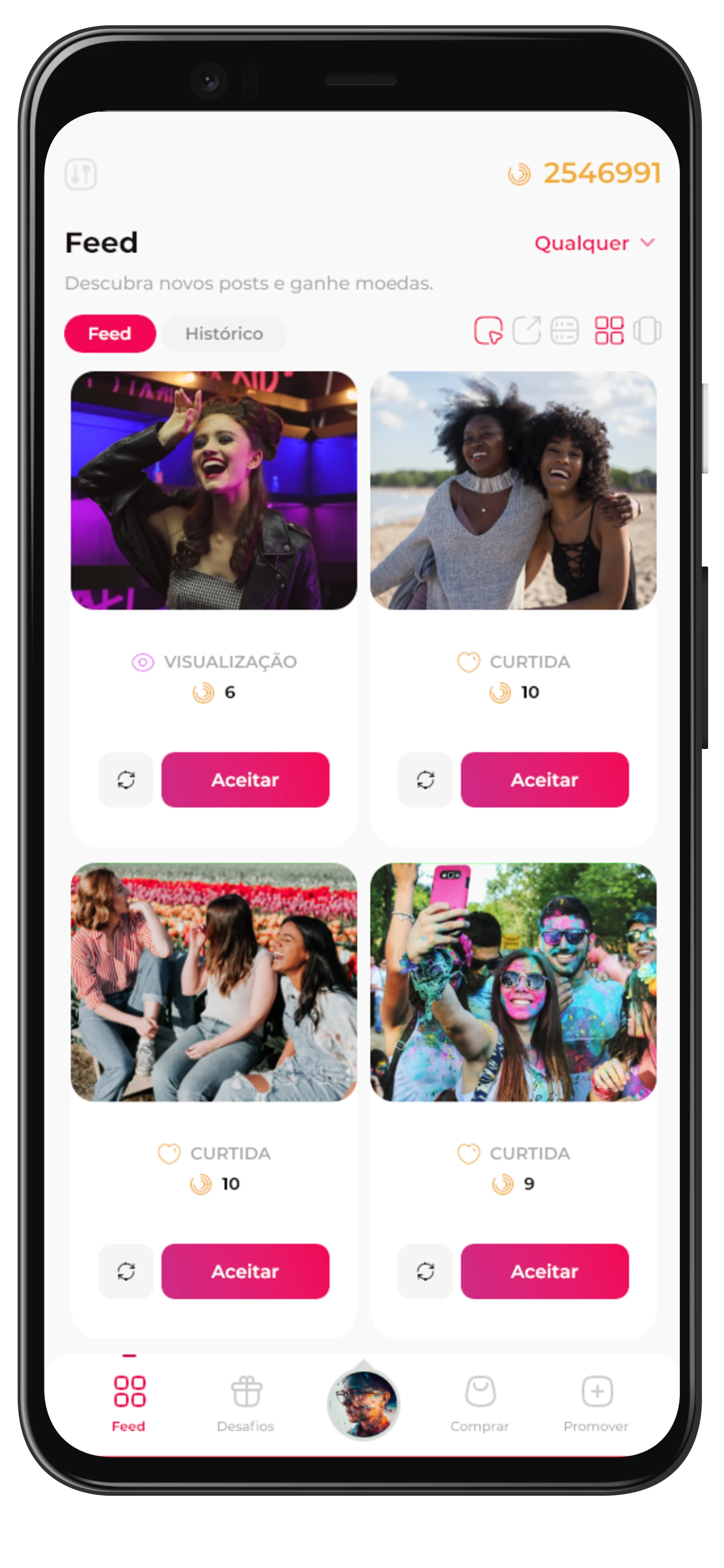
Comments are a great way to start a conversation, and InsteLikes allows you to gain comments on your posts. To get comments, you need to have coins, ensure your posts are public, and allow the posting of comments on your posts.
First, make sure you're using the correct profile, to switch between profiles, click on the profile picture in the bottom menu. Some features may not work on some social networks.
To gain comments, go to the "Promote" page, which can be accessed from the bottom menu, both on the website and in the app. On this page, you can choose "Comments". If this option doesn't exist, it may not be possible to gain comments for the currently selected profile.
After clicking on "Comments", you can make some adjustments, such as the amount of coins you want to use and how much you are willing to offer for each interaction. Note that offering more coins can speed up the request, and reducing the amount can slow it down.
Once enabled, other people will post the comments, you can track the progress in "History" and see how many comments you've gained.
Comments are one of the strongest engagement indicators for Instagram. When well distributed across multiple posts, they help build profile authority and increase the chances of appearing in the Explore tab.
For even better results, create comment requests on posts that already have a good image or caption. You can also associate this strategy with followers, creating a cycle of visibility and interaction.